
We used Image2 for a holiday figurine drop. It took two review rounds instead of six, mainly because faces and logo placement stayed consistent.

Lena Ortiz
Creative Director
Create AI images from text prompts, edit existing images, and generate product shots, ad creatives, character art, posters, and branded visuals with Image2 — powered by GPT Image 2 and more AI models.
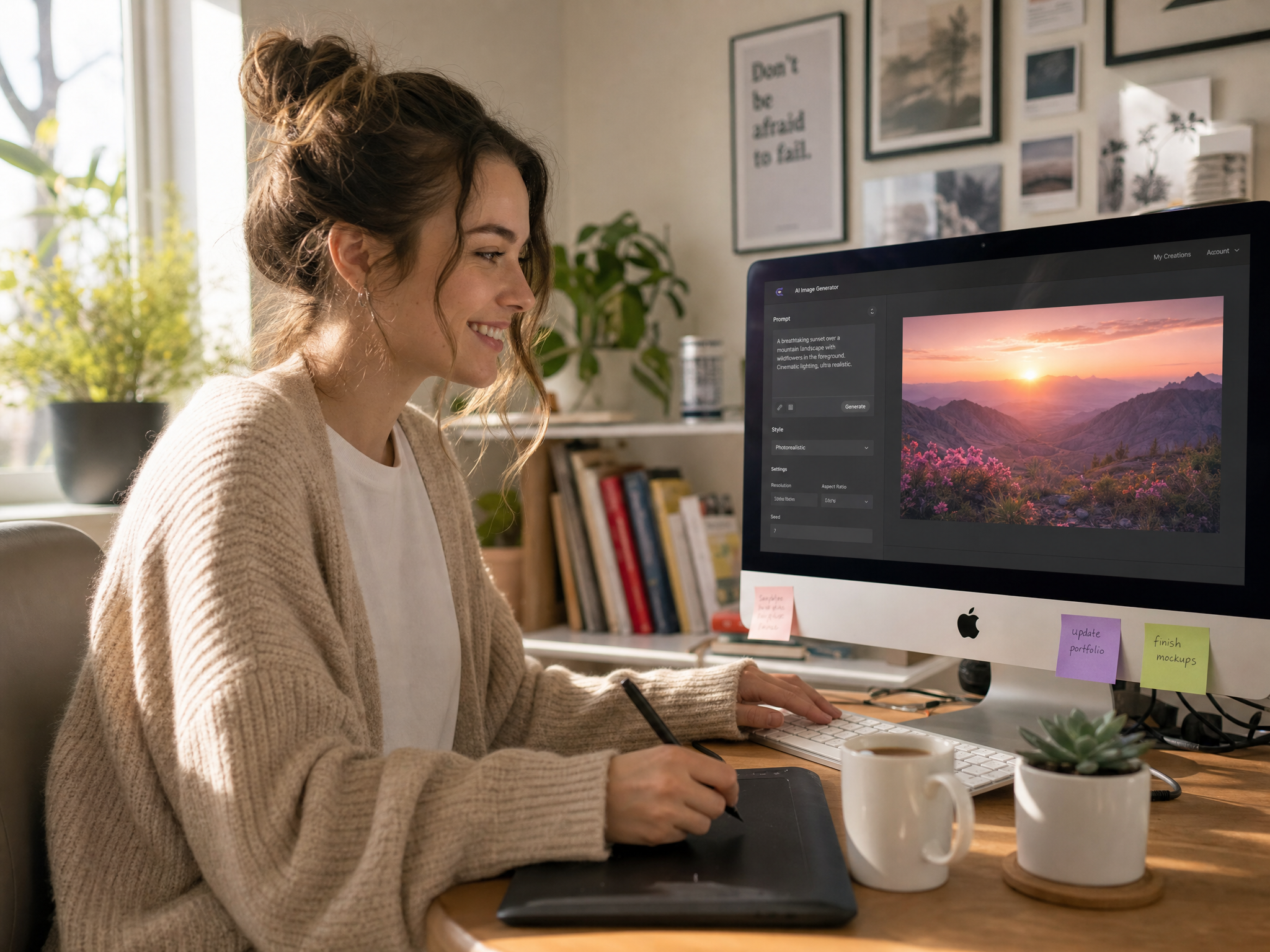
Image2 works best when you need more than a one-shot image. Start from text or a source image, then refine composition, styling, backgrounds, text placement, or subject consistency without rebuilding everything.
The main strengths are text-to-image generation, image editing, prompt following, readable text, and more consistent outputs for real creative work.
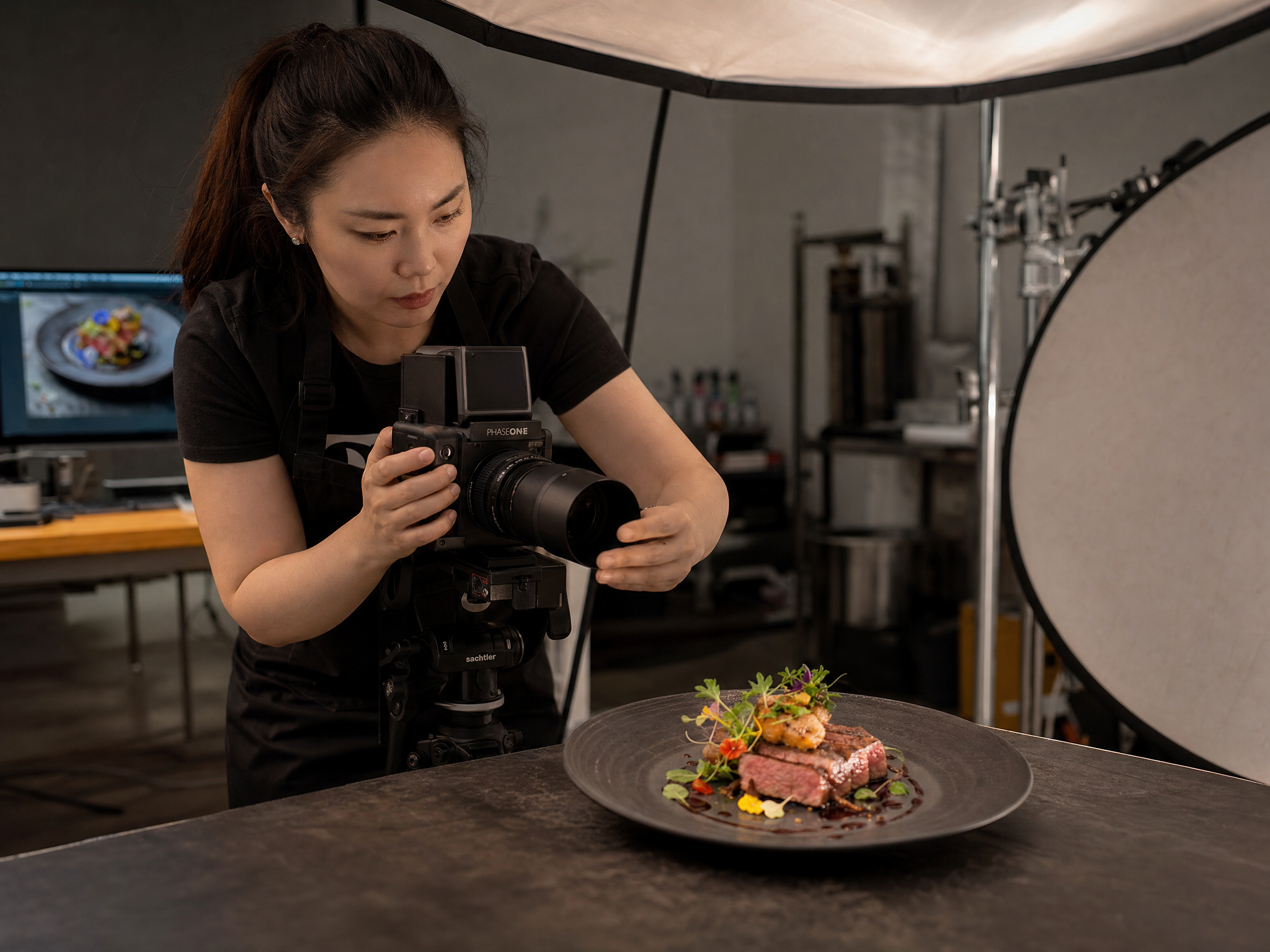
Turn plain-language prompts into product renders, ad creatives, posters, and concept visuals with better control over layout and intent.
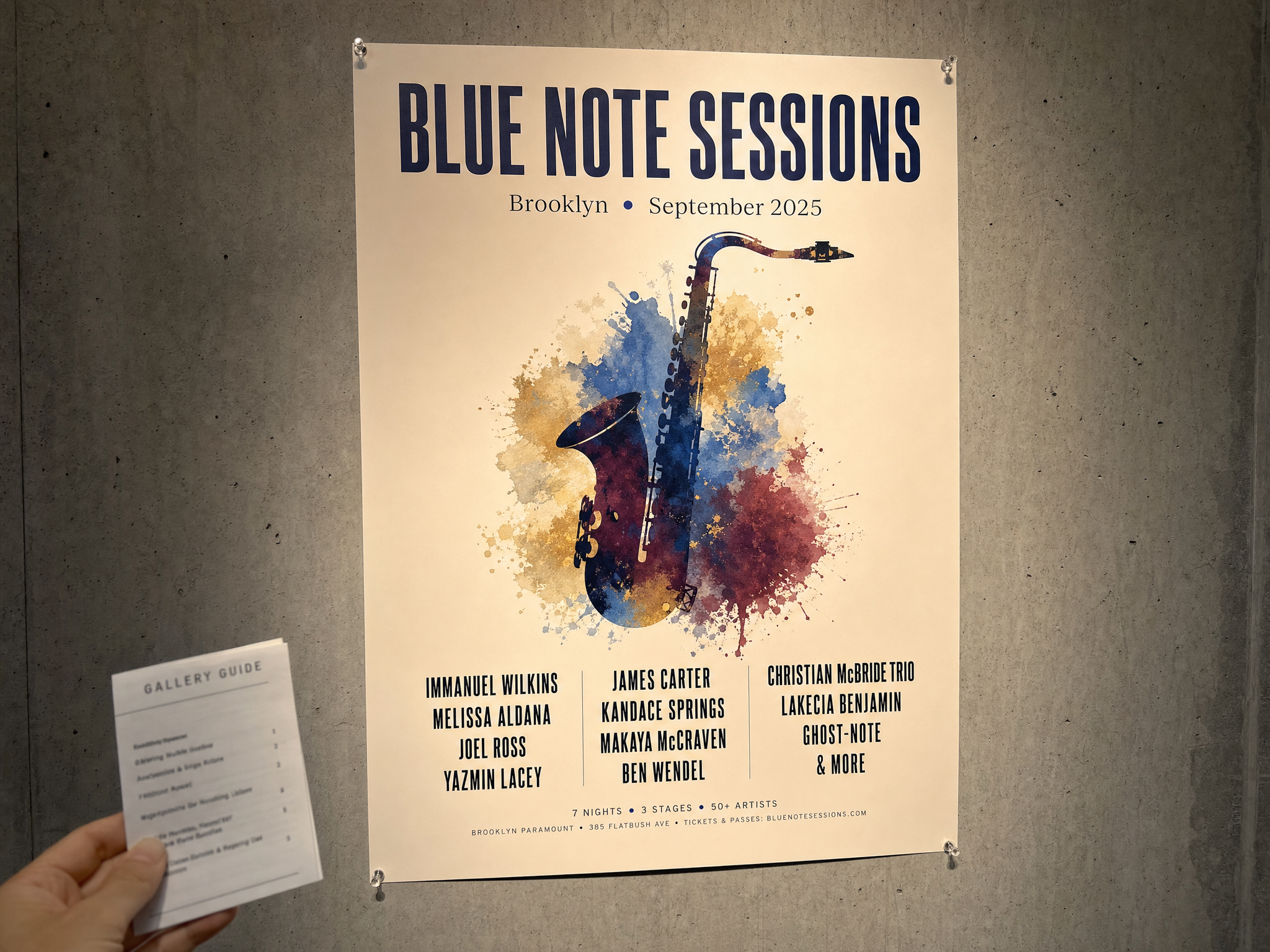
Generate marketing or interface visuals where headlines, labels, and supporting copy stay more reviewable.
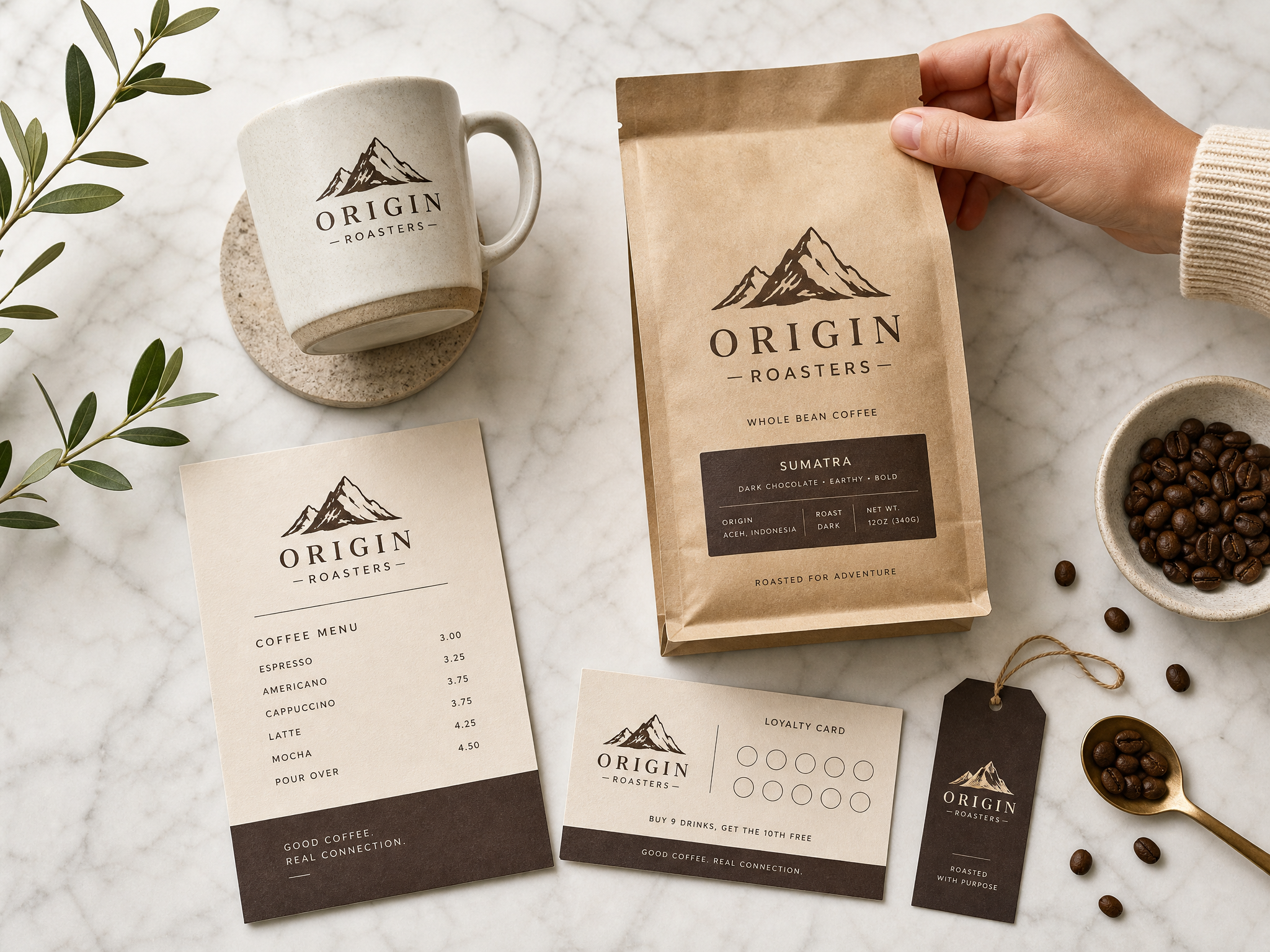
Keep visual identity more stable across campaigns, colorways, scenes, and recurring assets.
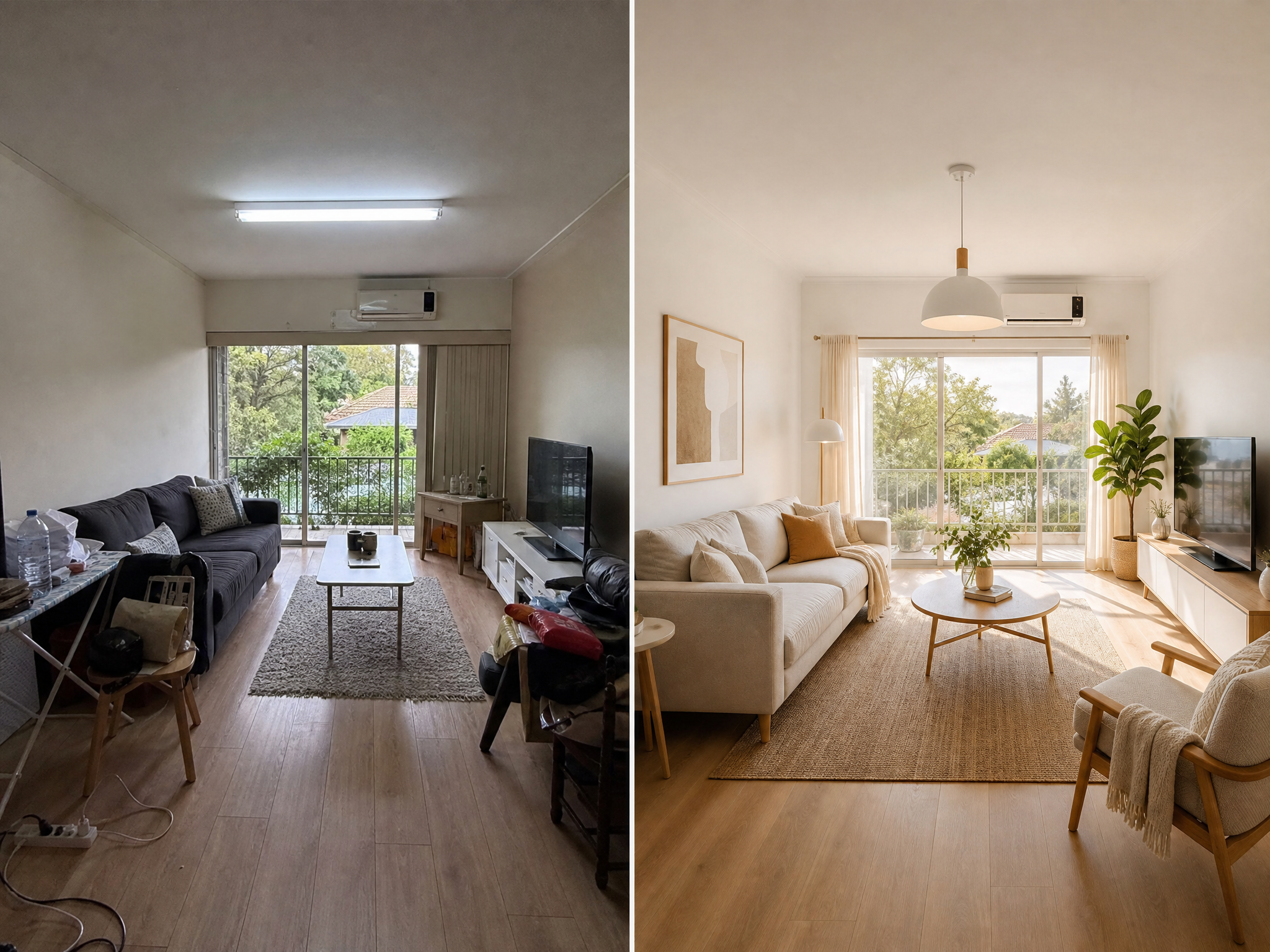
Upload a photo or draft and use Image2 to restyle, clean up, extend, or refine the final output.
The best prompts explain the subject, style, composition, text, and intended use.
Drop product photos, portraits, or sketches—or start blank for text-to-image runs.
"Create a premium skincare product image on soft stone, add botanical shadows, and leave space for a headline." Clear prompts usually work best.
Choose the workflow, output size, and editing approach that match your channel and review stage.
Generate variants, refine specific issues, and export the right asset for web, ads, decks, or social.
Drop product photos, portraits, or sketches—or start blank for text-to-image runs.
"Create a premium skincare product image on soft stone, add botanical shadows, and leave space for a headline." Clear prompts usually work best.
Choose the workflow, output size, and editing approach that match your channel and review stage.
Generate variants, refine specific issues, and export the right asset for web, ads, decks, or social.
Choose flexible credit packs or subscriptions for Image2 image generation, editing, and commercial creative workflows.
Great for getting started
$228$114 billed yearly
7,200 credits/year
Includes
Auto-renews · Cancel anytime
Best for regular creation
$468$234 billed yearly
18,000 credits/year
Includes
Auto-renews · Cancel anytime
Built for high-volume production
$1,188$594 billed yearly
48,000 credits/year
Includes
Auto-renews · Cancel anytime
Real teams using Image2 for ecommerce, branding, and marketing workflows.
We used Image2 for a holiday figurine drop. It took two review rounds instead of six, mainly because faces and logo placement stayed consistent.
Lena Ortiz
Creative Director
I can brief Image2 in plain English and get usable ad variants quickly. We still retouch final picks, but 80% of options are campaign-ready.

Marco Chen
Performance Marketer
Text rendering is the biggest win for us. CTA copy is readable at mobile sizes, so we spend less time rebuilding banners in design tools.

Aya Nakamura
Art Director
For product pages, Image2 helped us turn raw studio shots into clean hero visuals in one afternoon. Shadows and reflections look natural enough for launch.

Omar Reyes
E-commerce Lead
What surprised me is iteration speed. I can ask for five style directions, reject three, and refine the remaining two without starting over.

Zainab Hussain
Brand Designer
Our team uses Image2 for localization mockups before paid production. It catches layout issues early and cuts rework with external studios.

Aliza Khan
Product Marketing Manager
Character consistency is finally reliable. We kept one mascot identity across social posts, email headers, and landing graphics for a full month.

Farhan Siddiqui
Growth Manager
We used Image2 for a holiday figurine drop. It took two review rounds instead of six, mainly because faces and logo placement stayed consistent.
Lena Ortiz
Creative Director
I can brief Image2 in plain English and get usable ad variants quickly. We still retouch final picks, but 80% of options are campaign-ready.
Marco Chen
Performance Marketer
Text rendering is the biggest win for us. CTA copy is readable at mobile sizes, so we spend less time rebuilding banners in design tools.
Aya Nakamura
Art Director
For product pages, Image2 helped us turn raw studio shots into clean hero visuals in one afternoon. Shadows and reflections look natural enough for launch.
Omar Reyes
E-commerce Lead
What surprised me is iteration speed. I can ask for five style directions, reject three, and refine the remaining two without starting over.
Zainab Hussain
Brand Designer
Our team uses Image2 for localization mockups before paid production. It catches layout issues early and cuts rework with external studios.
Aliza Khan
Product Marketing Manager
Character consistency is finally reliable. We kept one mascot identity across social posts, email headers, and landing graphics for a full month.
Farhan Siddiqui
Growth Manager
We replaced a lot of manual compositing with Image2. Background swaps and object cleanup are much faster, especially for weekly promos.

Sana Sheikh
Social Media Lead
I like that I can keep prompts simple. Short creative briefs usually work, and the model follows constraints better than most tools we tested.

Hassan Ali
Motion Designer
For A/B testing, Image2 gives us enough high-quality variants to learn faster. That shortened our creative testing cycle by roughly two days.

Elena Petrova
UI Designer
The first outputs are not always perfect, but edits are predictable. After two or three passes, we usually get a version the team can approve.

Miguel Alvarez
Localization Manager
We run a small team, so production bottlenecks hurt. Image2 lets one designer handle work that used to require separate illustration and retouch support.

Noura Haddad
Campaign Manager
Packaging mockups used to be outsourced. Now we draft concepts in Image2, align internally, and only send final directions to vendors.

Priya Sharma
Content Strategist
Our onboarding was straightforward. New teammates can start producing decent visuals in their first week without learning complex prompt tricks.

Daniel Kim
Studio Producer
We replaced a lot of manual compositing with Image2. Background swaps and object cleanup are much faster, especially for weekly promos.
Sana Sheikh
Social Media Lead
I like that I can keep prompts simple. Short creative briefs usually work, and the model follows constraints better than most tools we tested.
Hassan Ali
Motion Designer
For A/B testing, Image2 gives us enough high-quality variants to learn faster. That shortened our creative testing cycle by roughly two days.
Elena Petrova
UI Designer
The first outputs are not always perfect, but edits are predictable. After two or three passes, we usually get a version the team can approve.
Miguel Alvarez
Localization Manager
We run a small team, so production bottlenecks hurt. Image2 lets one designer handle work that used to require separate illustration and retouch support.
Noura Haddad
Campaign Manager
Packaging mockups used to be outsourced. Now we draft concepts in Image2, align internally, and only send final directions to vendors.
Priya Sharma
Content Strategist
Our onboarding was straightforward. New teammates can start producing decent visuals in their first week without learning complex prompt tricks.
Daniel Kim
Studio Producer
For social campaigns, we need volume and consistency. Image2 gives both, and we can keep brand color and typography direction intact.

Sofia Rossi
Visual Designer
I use it as a fast pre-visualization tool for client pitches. Stakeholders understand concepts quicker when they see polished image directions early.

Lucas Weber
Product Designer
We tested Image2 against our previous workflow and saw fewer revision tickets from marketing. Most feedback moved from 'fix quality' to 'fine-tune style'.

Yuna Park
Marketing Ops Manager
The model handles mixed tasks well: generate, edit, then localize. Doing all three in one flow saves context switching across tools.

Arjun Mehta
Creative Technologist
For ecommerce launches, timing matters. Image2 helped us publish product assets before deadline when our photo schedule slipped.

Camila Torres
Paid Social Specialist
It is now part of our weekly content stack. Not a full replacement for designers, but a practical accelerator that improves output quality.

Ivan Novak
Brand Manager
For social campaigns, we need volume and consistency. Image2 gives both, and we can keep brand color and typography direction intact.
Sofia Rossi
Visual Designer
I use it as a fast pre-visualization tool for client pitches. Stakeholders understand concepts quicker when they see polished image directions early.
Lucas Weber
Product Designer
We tested Image2 against our previous workflow and saw fewer revision tickets from marketing. Most feedback moved from 'fix quality' to 'fine-tune style'.
Yuna Park
Marketing Ops Manager
The model handles mixed tasks well: generate, edit, then localize. Doing all three in one flow saves context switching across tools.
Arjun Mehta
Creative Technologist
For ecommerce launches, timing matters. Image2 helped us publish product assets before deadline when our photo schedule slipped.
Camila Torres
Paid Social Specialist
It is now part of our weekly content stack. Not a full replacement for designers, but a practical accelerator that improves output quality.
Ivan Novak
Brand Manager
Common questions about using Image2 for text-to-image generation and image editing.
Image2 is an AI image generator and editor that supports multiple AI models. Use it to create product shots, ad creatives, posters, and branded visuals from text prompts, or edit and transform existing images.
Product images, advertising creatives, posters, social media graphics, character concepts, packaging mockups, brand campaign visuals, and explainer illustrations. Both text-to-image and image editing workflows are supported.
Use Image2 when you need readable text inside visuals, consistent characters across a campaign, iterative editing on a single image, or both generation and editing in one session.
No. Clear, descriptive prompts work well. The most useful prompts explain the subject, style, composition, any text that should appear in the image, and the intended use.
Yes. You can generate an image from a prompt, then clean it up, restyle it, swap backgrounds, or refine details all within the same session.
Image2 supports multiple aspect ratios including 1:1, 3:2, 4:3, 9:16, 16:9 and more, plus 1K, 2K, and 4K-ready export settings depending on the workflow and credit usage.
Start with a text prompt or source image and see how quickly Image2 can generate or refine a usable visual.