

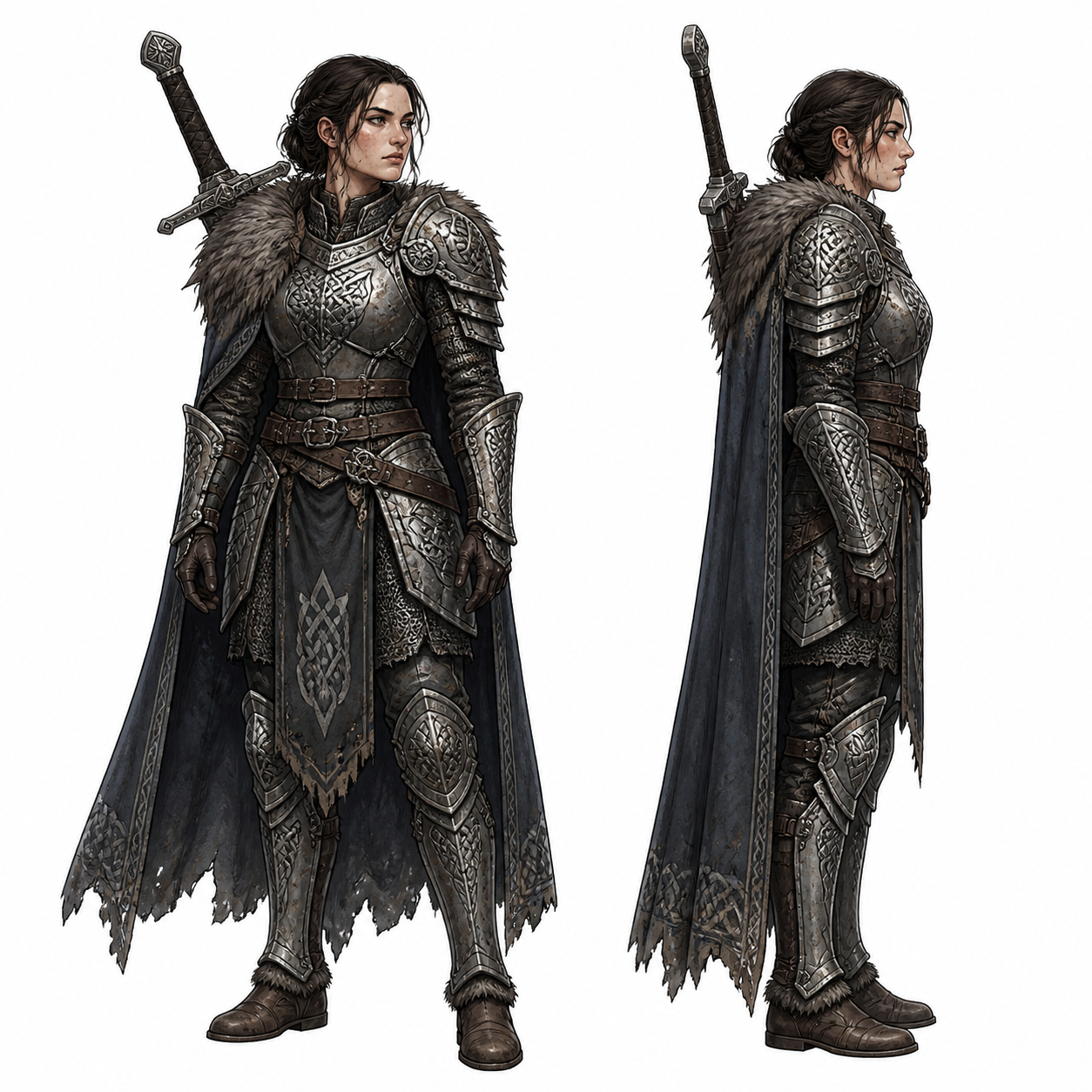
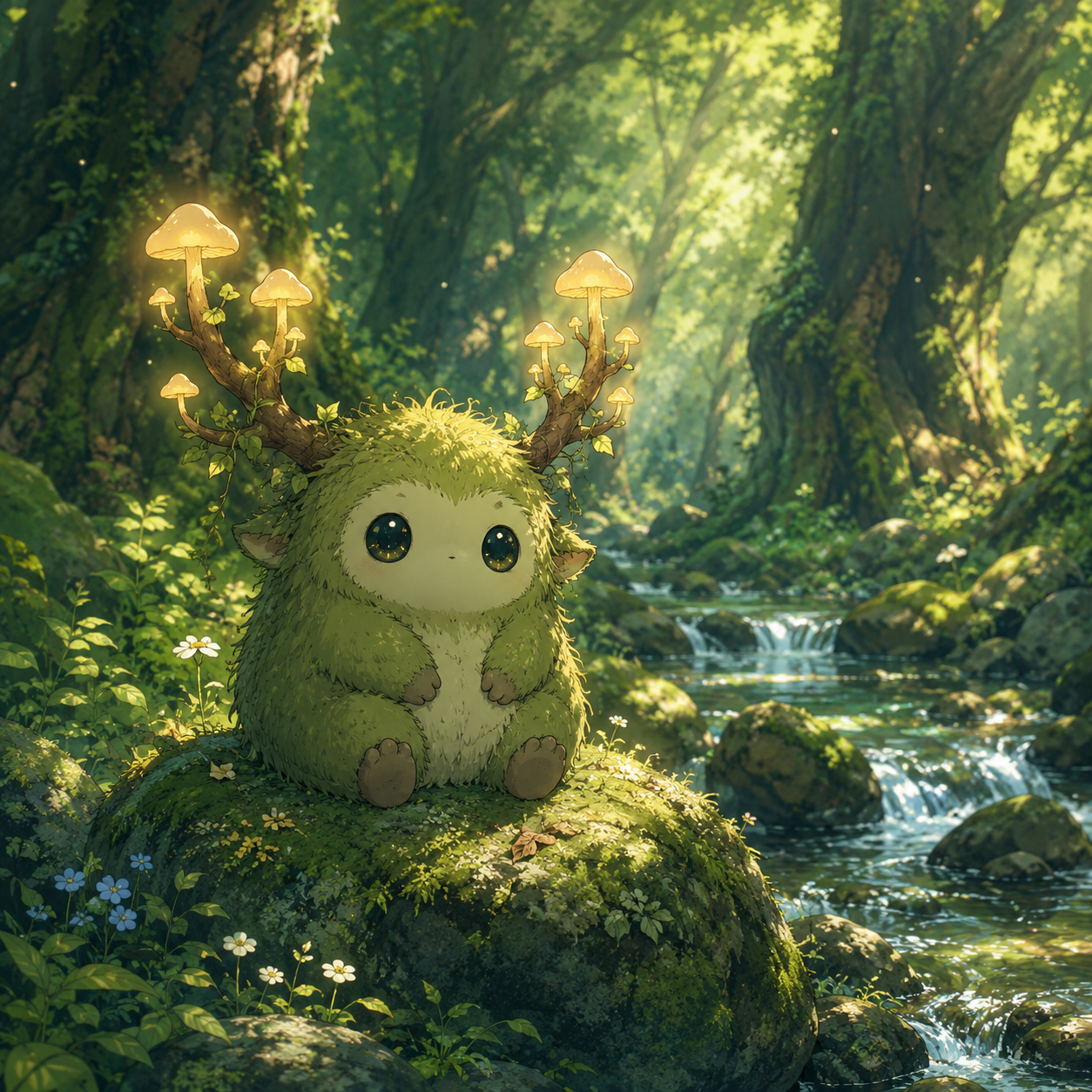
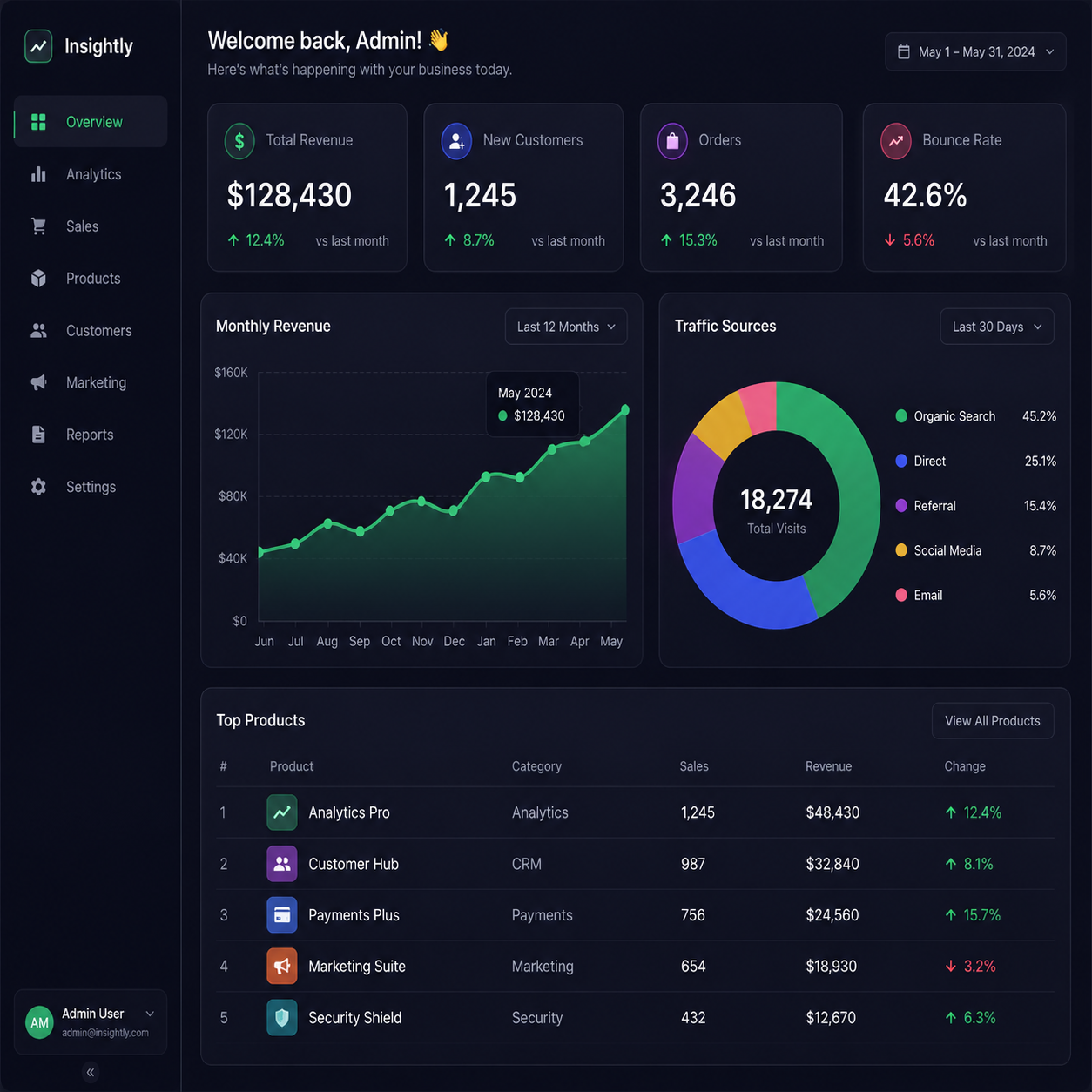
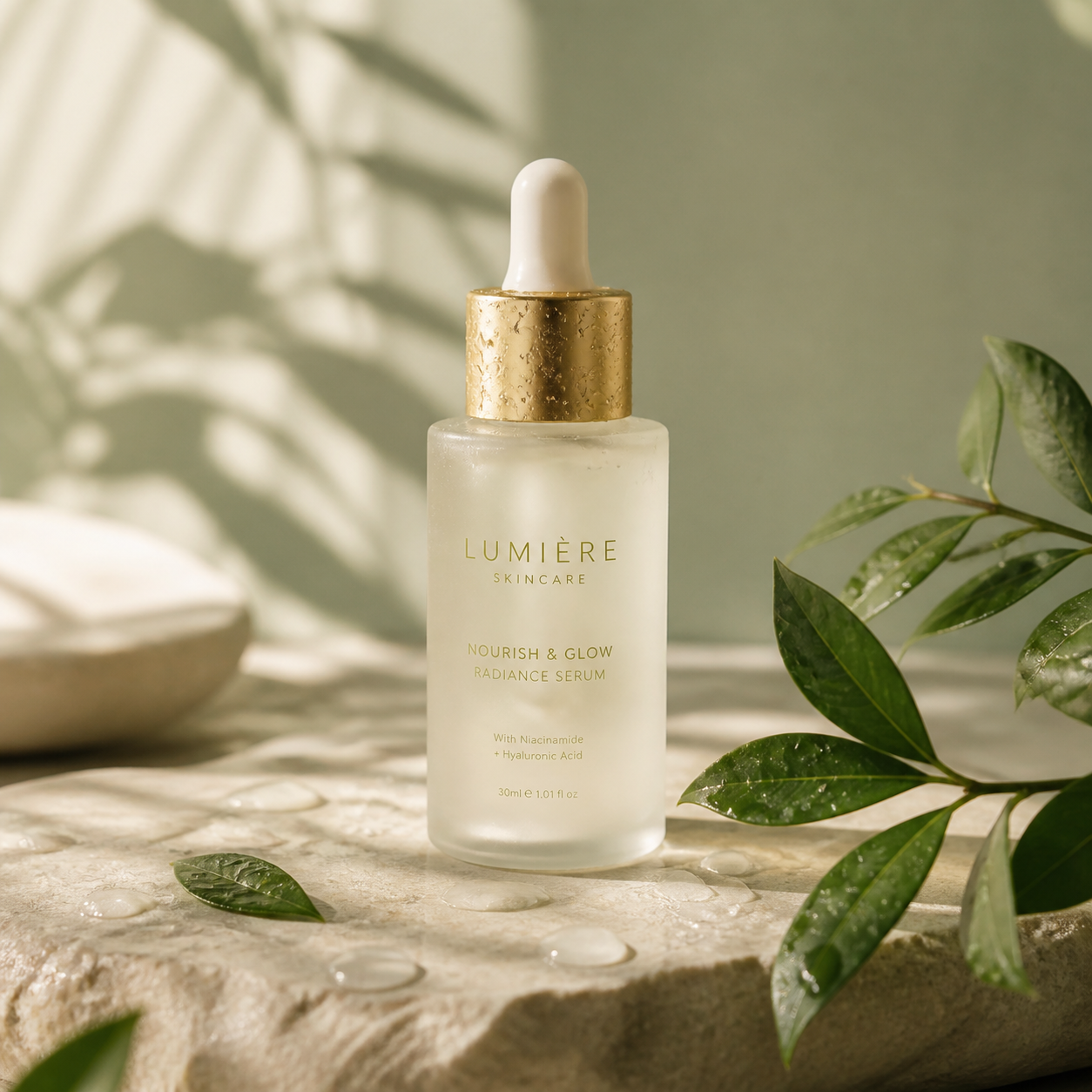

We used Image2 for a holiday figurine drop. It took two review rounds instead of six, mainly because faces and logo placement stayed consistent.

Lena Ortiz
Creative Director
Create custom sticker packs with AI. Generate die-cut sticker designs, emoji stickers, and printable sticker sheets for messaging and merch.

Image2's sticker generator creates custom die-cut sticker designs from text descriptions — characters, emoji-style expressions, objects, logos, and illustrations with clean outlines ready for digital use or physical printing.
Useful for making sticker packs for messaging apps, merch stores, planners, laptop decorating, brand giveaways, or just turning any idea into a sticker you can share or sell.
Describe a character, object, food, animal, or phrase and Image2 generates a clean sticker illustration with defined outlines — ready to use as a digital sticker or print-and-cut design.
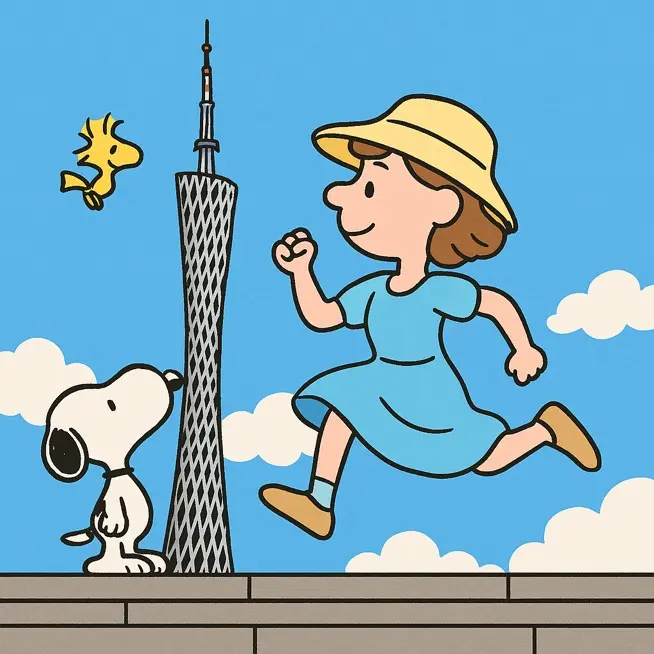
Generate a coordinated set of stickers around a theme — a food pack, emotion expressions, seasonal holiday set, or brand mascot variations — arranged as a printable sheet or digital pack.
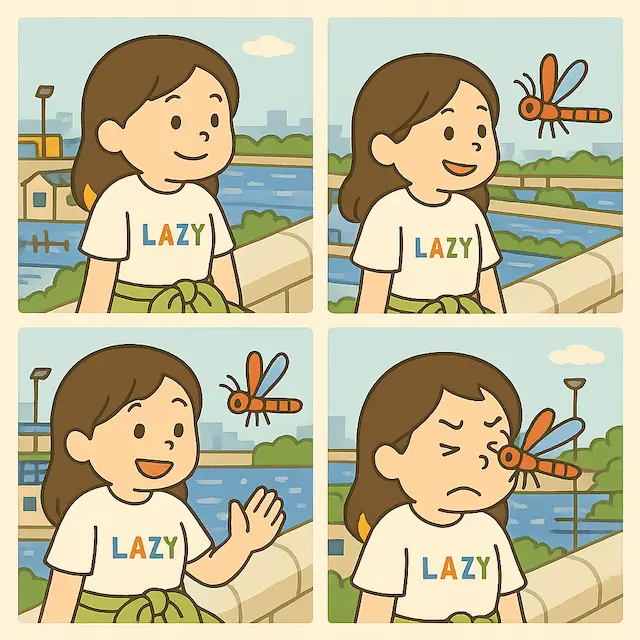
Create a set of expression stickers from a single character — happy, sad, angry, surprised, sleepy, love — for messaging apps, Discord servers, or social media reactions.
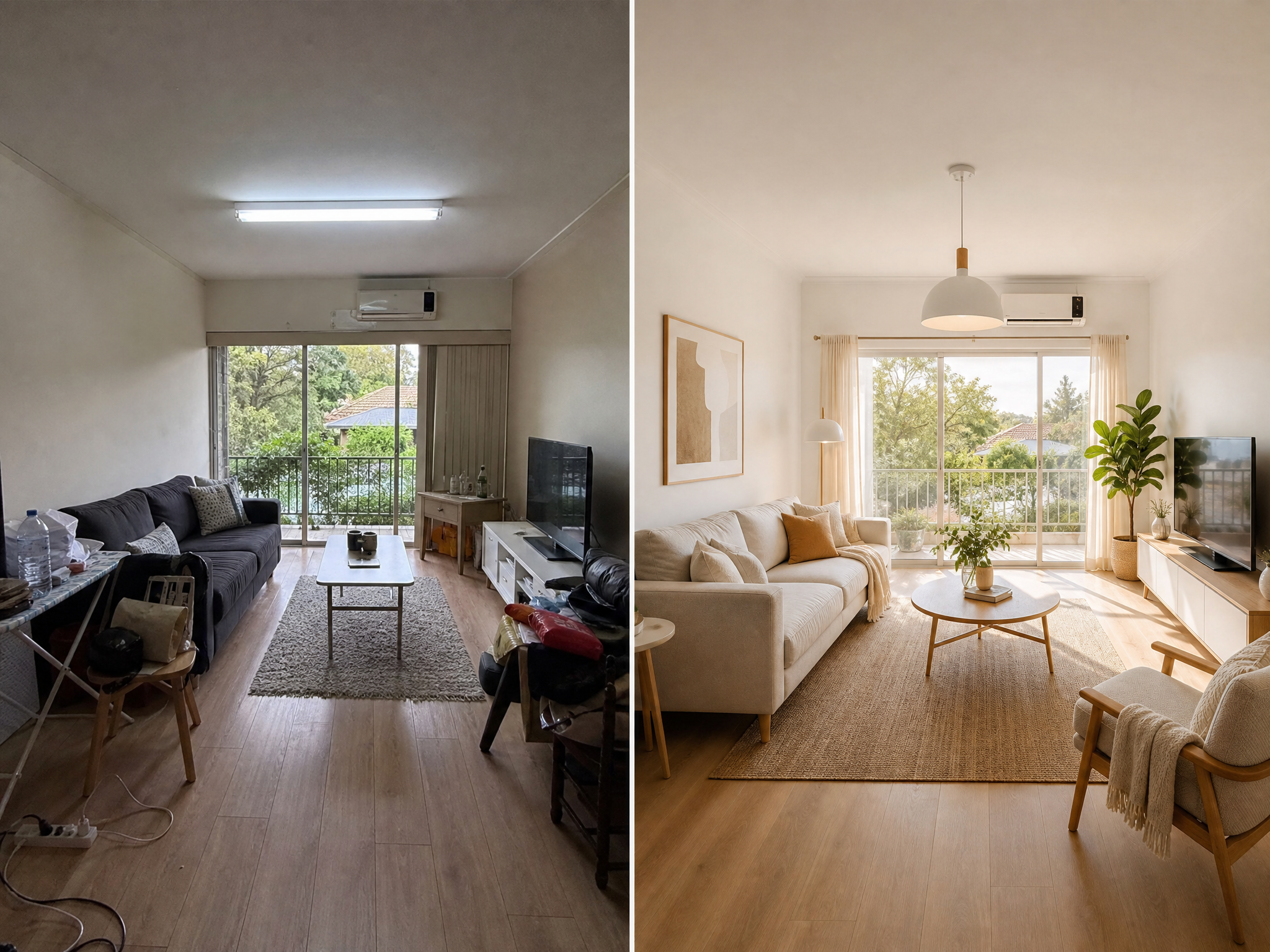
Upload a generated sticker and adjust colors, expressions, outlines, or add text without regenerating the whole design. Keep iterating until the sticker looks exactly right.
Describe the subject, style, and mood of your sticker. Specify whether you need a single sticker, a themed pack, or a sheet layout — and mention if it should have a white border, transparent background, or die-cut outline.
Explain what the asset is for: a product page, launch poster, explainer, social ad, deck visual, or interface concept.
Specify aspect ratio, subject placement, lighting, materials, text areas, and export size so the draft fits the channel.
Create the first version, spot what needs improvement, then tighten the prompt or continue with localized edits.
Explain what the asset is for: a product page, launch poster, explainer, social ad, deck visual, or interface concept.
Specify aspect ratio, subject placement, lighting, materials, text areas, and export size so the draft fits the channel.
Create the first version, spot what needs improvement, then tighten the prompt or continue with localized edits.
Choose flexible credit packs or subscriptions for Image2 image generation, editing, and commercial creative workflows.
Great for getting started
$228$114 billed yearly
7,200 credits/year
Includes
Auto-renews · Cancel anytime
Best for regular creation
$468$234 billed yearly
18,000 credits/year
Includes
Auto-renews · Cancel anytime
Built for high-volume production
$1,188$594 billed yearly
48,000 credits/year
Includes
Auto-renews · Cancel anytime
Real teams using Image2 for ecommerce, branding, and marketing workflows.
We used Image2 for a holiday figurine drop. It took two review rounds instead of six, mainly because faces and logo placement stayed consistent.
Lena Ortiz
Creative Director
I can brief Image2 in plain English and get usable ad variants quickly. We still retouch final picks, but 80% of options are campaign-ready.

Marco Chen
Performance Marketer
Text rendering is the biggest win for us. CTA copy is readable at mobile sizes, so we spend less time rebuilding banners in design tools.

Aya Nakamura
Art Director
For product pages, Image2 helped us turn raw studio shots into clean hero visuals in one afternoon. Shadows and reflections look natural enough for launch.

Omar Reyes
E-commerce Lead
What surprised me is iteration speed. I can ask for five style directions, reject three, and refine the remaining two without starting over.

Zainab Hussain
Brand Designer
Our team uses Image2 for localization mockups before paid production. It catches layout issues early and cuts rework with external studios.

Aliza Khan
Product Marketing Manager
Character consistency is finally reliable. We kept one mascot identity across social posts, email headers, and landing graphics for a full month.

Farhan Siddiqui
Growth Manager
We used Image2 for a holiday figurine drop. It took two review rounds instead of six, mainly because faces and logo placement stayed consistent.
Lena Ortiz
Creative Director
I can brief Image2 in plain English and get usable ad variants quickly. We still retouch final picks, but 80% of options are campaign-ready.
Marco Chen
Performance Marketer
Text rendering is the biggest win for us. CTA copy is readable at mobile sizes, so we spend less time rebuilding banners in design tools.
Aya Nakamura
Art Director
For product pages, Image2 helped us turn raw studio shots into clean hero visuals in one afternoon. Shadows and reflections look natural enough for launch.
Omar Reyes
E-commerce Lead
What surprised me is iteration speed. I can ask for five style directions, reject three, and refine the remaining two without starting over.
Zainab Hussain
Brand Designer
Our team uses Image2 for localization mockups before paid production. It catches layout issues early and cuts rework with external studios.
Aliza Khan
Product Marketing Manager
Character consistency is finally reliable. We kept one mascot identity across social posts, email headers, and landing graphics for a full month.
Farhan Siddiqui
Growth Manager
We replaced a lot of manual compositing with Image2. Background swaps and object cleanup are much faster, especially for weekly promos.

Sana Sheikh
Social Media Lead
I like that I can keep prompts simple. Short creative briefs usually work, and the model follows constraints better than most tools we tested.

Hassan Ali
Motion Designer
For A/B testing, Image2 gives us enough high-quality variants to learn faster. That shortened our creative testing cycle by roughly two days.

Elena Petrova
UI Designer
The first outputs are not always perfect, but edits are predictable. After two or three passes, we usually get a version the team can approve.

Miguel Alvarez
Localization Manager
We run a small team, so production bottlenecks hurt. Image2 lets one designer handle work that used to require separate illustration and retouch support.

Noura Haddad
Campaign Manager
Packaging mockups used to be outsourced. Now we draft concepts in Image2, align internally, and only send final directions to vendors.

Priya Sharma
Content Strategist
Our onboarding was straightforward. New teammates can start producing decent visuals in their first week without learning complex prompt tricks.

Daniel Kim
Studio Producer
We replaced a lot of manual compositing with Image2. Background swaps and object cleanup are much faster, especially for weekly promos.
Sana Sheikh
Social Media Lead
I like that I can keep prompts simple. Short creative briefs usually work, and the model follows constraints better than most tools we tested.
Hassan Ali
Motion Designer
For A/B testing, Image2 gives us enough high-quality variants to learn faster. That shortened our creative testing cycle by roughly two days.
Elena Petrova
UI Designer
The first outputs are not always perfect, but edits are predictable. After two or three passes, we usually get a version the team can approve.
Miguel Alvarez
Localization Manager
We run a small team, so production bottlenecks hurt. Image2 lets one designer handle work that used to require separate illustration and retouch support.
Noura Haddad
Campaign Manager
Packaging mockups used to be outsourced. Now we draft concepts in Image2, align internally, and only send final directions to vendors.
Priya Sharma
Content Strategist
Our onboarding was straightforward. New teammates can start producing decent visuals in their first week without learning complex prompt tricks.
Daniel Kim
Studio Producer
For social campaigns, we need volume and consistency. Image2 gives both, and we can keep brand color and typography direction intact.

Sofia Rossi
Visual Designer
I use it as a fast pre-visualization tool for client pitches. Stakeholders understand concepts quicker when they see polished image directions early.

Lucas Weber
Product Designer
We tested Image2 against our previous workflow and saw fewer revision tickets from marketing. Most feedback moved from 'fix quality' to 'fine-tune style'.

Yuna Park
Marketing Ops Manager
The model handles mixed tasks well: generate, edit, then localize. Doing all three in one flow saves context switching across tools.

Arjun Mehta
Creative Technologist
For ecommerce launches, timing matters. Image2 helped us publish product assets before deadline when our photo schedule slipped.

Camila Torres
Paid Social Specialist
It is now part of our weekly content stack. Not a full replacement for designers, but a practical accelerator that improves output quality.

Ivan Novak
Brand Manager
For social campaigns, we need volume and consistency. Image2 gives both, and we can keep brand color and typography direction intact.
Sofia Rossi
Visual Designer
I use it as a fast pre-visualization tool for client pitches. Stakeholders understand concepts quicker when they see polished image directions early.
Lucas Weber
Product Designer
We tested Image2 against our previous workflow and saw fewer revision tickets from marketing. Most feedback moved from 'fix quality' to 'fine-tune style'.
Yuna Park
Marketing Ops Manager
The model handles mixed tasks well: generate, edit, then localize. Doing all three in one flow saves context switching across tools.
Arjun Mehta
Creative Technologist
For ecommerce launches, timing matters. Image2 helped us publish product assets before deadline when our photo schedule slipped.
Camila Torres
Paid Social Specialist
It is now part of our weekly content stack. Not a full replacement for designers, but a practical accelerator that improves output quality.
Ivan Novak
Brand Manager
Common questions about creating custom stickers, sticker packs, and die-cut designs with AI in Image2.
Yes. Image2 generates sticker illustrations with clean outlines that work for print-and-cut workflows. Export the image and use it with a home printer and sticker paper, or upload to a print-on-demand service.
Describe the theme and art style, then generate each sticker in the set using the same style cues. Image2 maintains visual consistency when you keep the style description consistent across prompts.
Yes. Generate stickers sized for messaging platforms and export them as individual images. They work for iMessage sticker packs, Telegram stickers, Discord emotes, and WhatsApp sticker apps.
The images generated in Image2 can be used for commercial purposes. Many creators use them for sticker shops, merch stores, and print-on-demand products. Check Image2's terms for current commercial usage details.
Kawaii, bold graphic, retro vintage, watercolor, flat design, 3D puffy, holographic, and more. Specify the style in your prompt and the generator adapts the illustration approach to match.
Image2 offers free sticker generations to start. Create individual stickers and small packs without a subscription, then upgrade if you need higher volume or resolution for commercial use.
Discover other AI-powered creative tools on Image2
Design fashion dolls and custom toy packaging with AI. Generate doll display box art, character designs, and collectible toy visuals.
Design custom Yu-Gi-Oh cards with AI-generated artwork. Create dark fantasy monster cards, spell cards, and trap cards with unique visuals.
Generate pixel art and retro 8-bit designs with AI. Create game sprites, character pixels, and nostalgic pixel art from text prompts.
Create AI backgrounds for product photos, from white studio sweeps to realistic lifestyle scenes, while preserving product detail and ecommerce clarity.
Create hilarious AI caricatures from photos. Generate exaggerated funny portraits and cartoon-style caricatures for gifts, events, and social media.
Swap faces in photos with AI. Upload two images and seamlessly blend faces for fun edits, creative projects, and social media content.
Describe any idea and turn it into a custom sticker — ready for chat apps, printing, or merch.