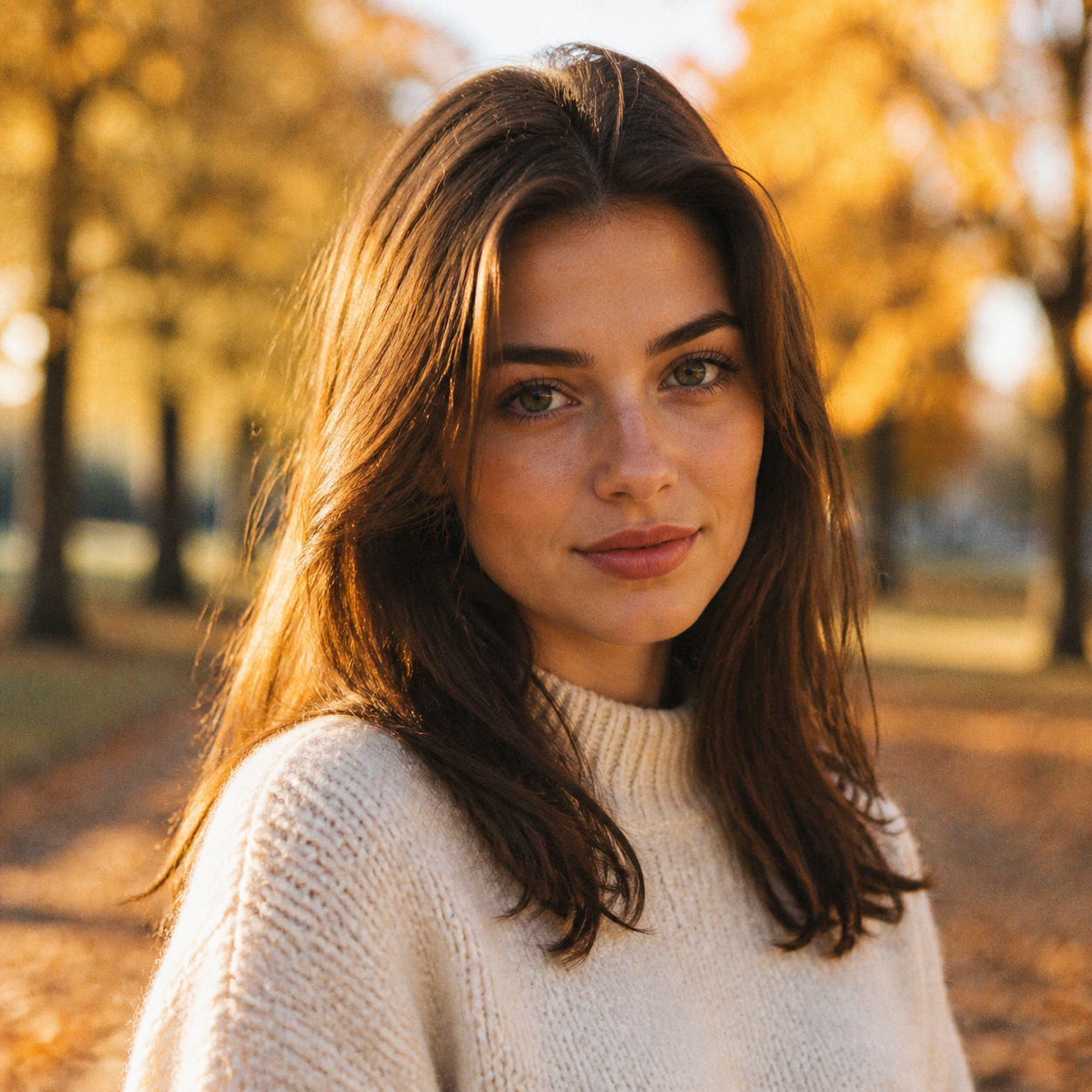
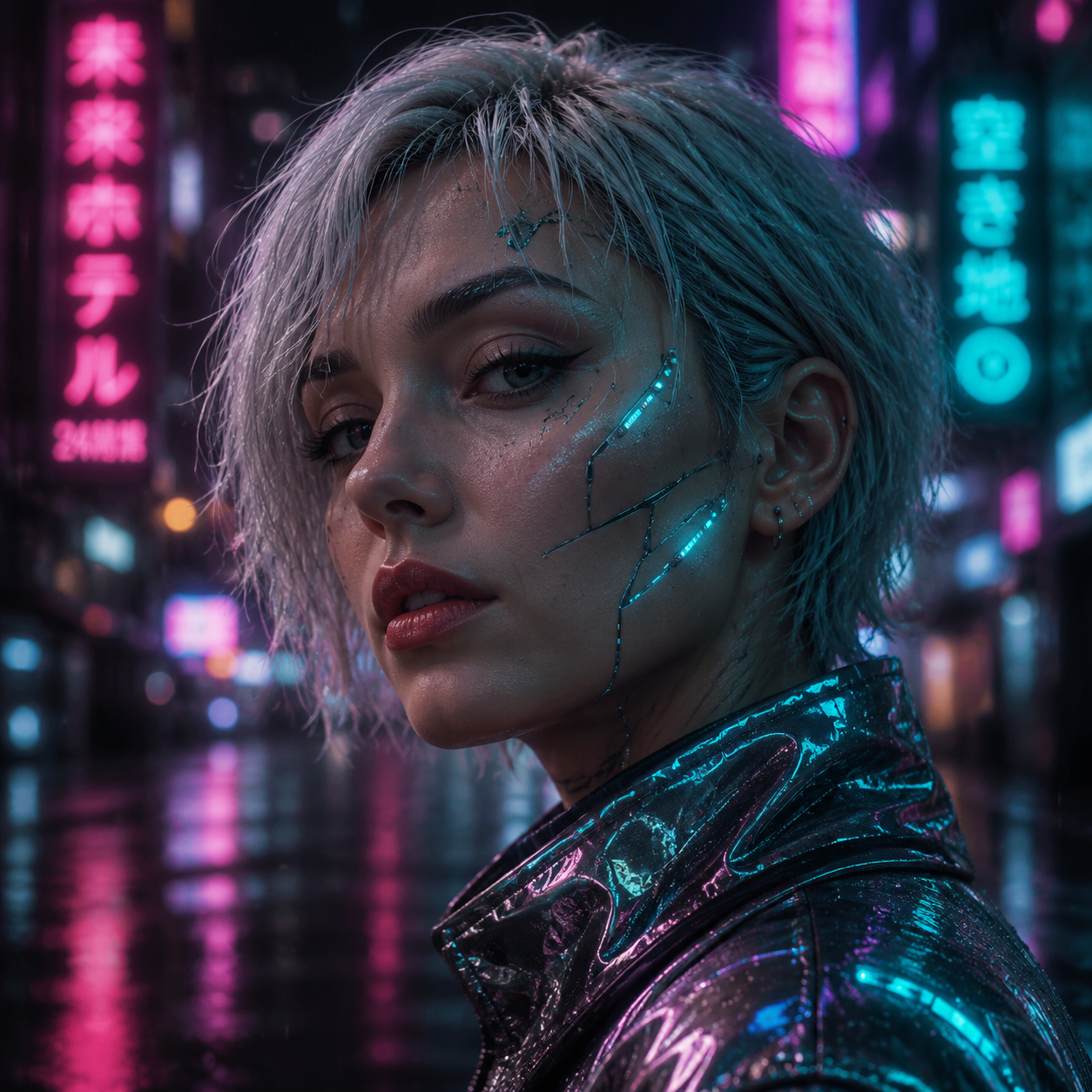
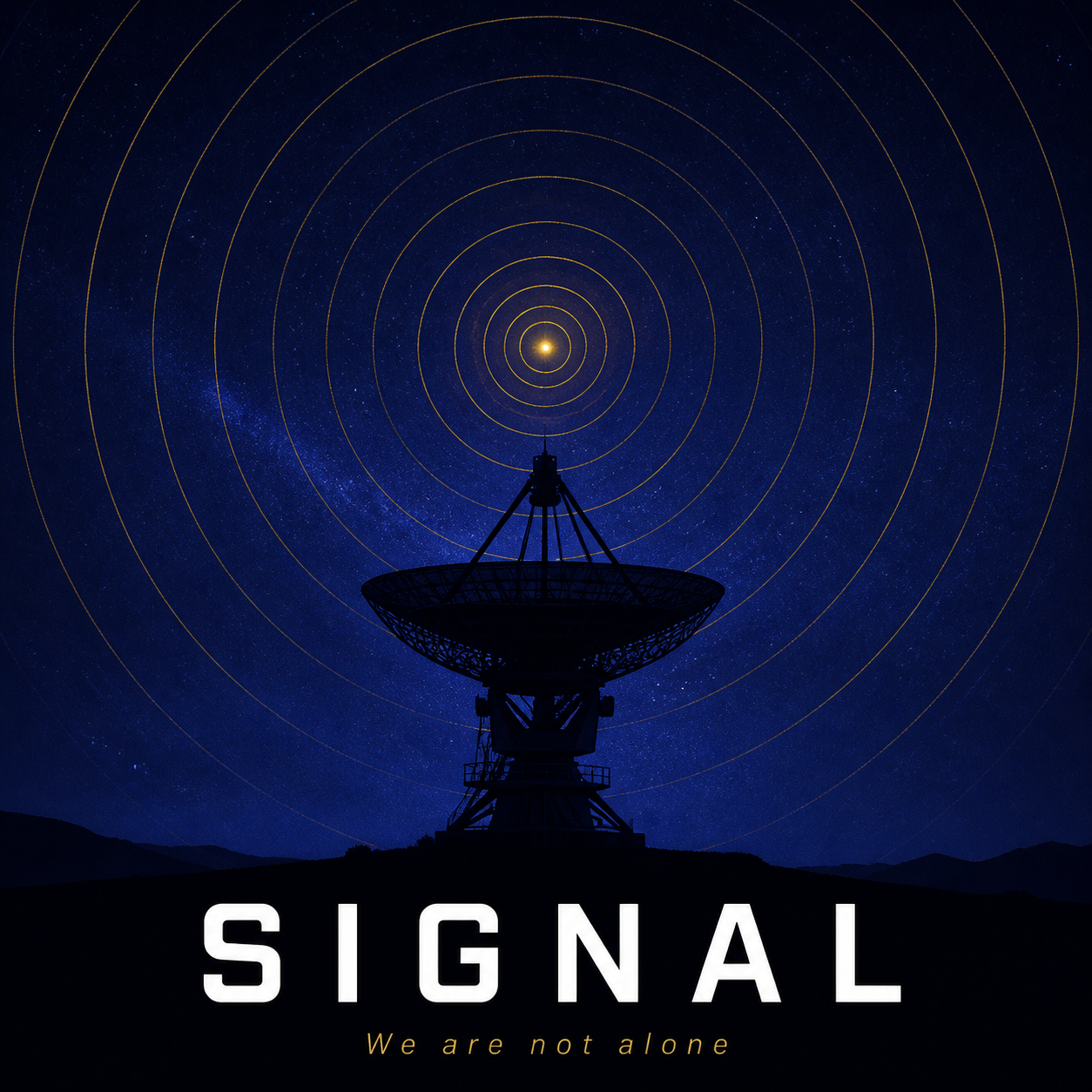
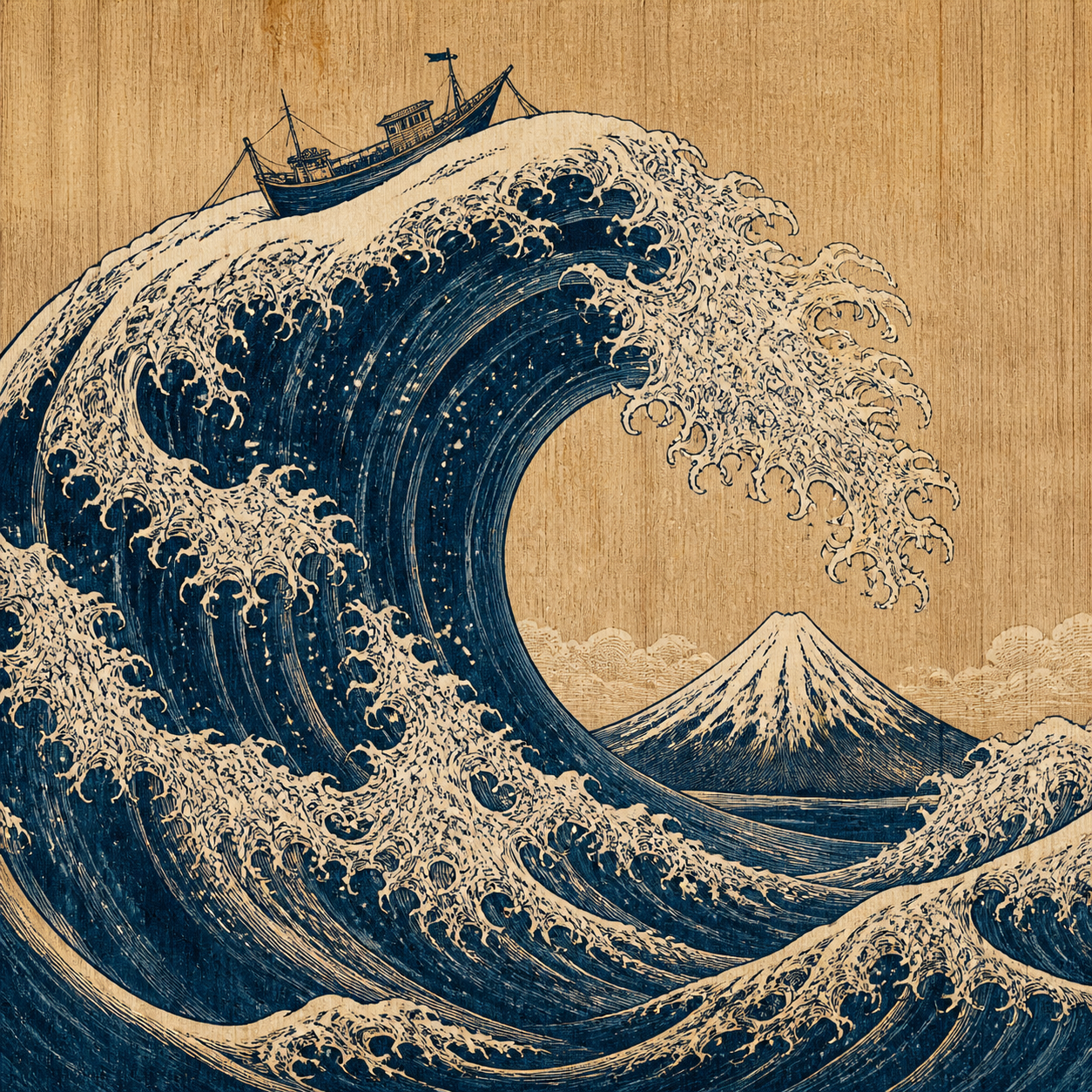
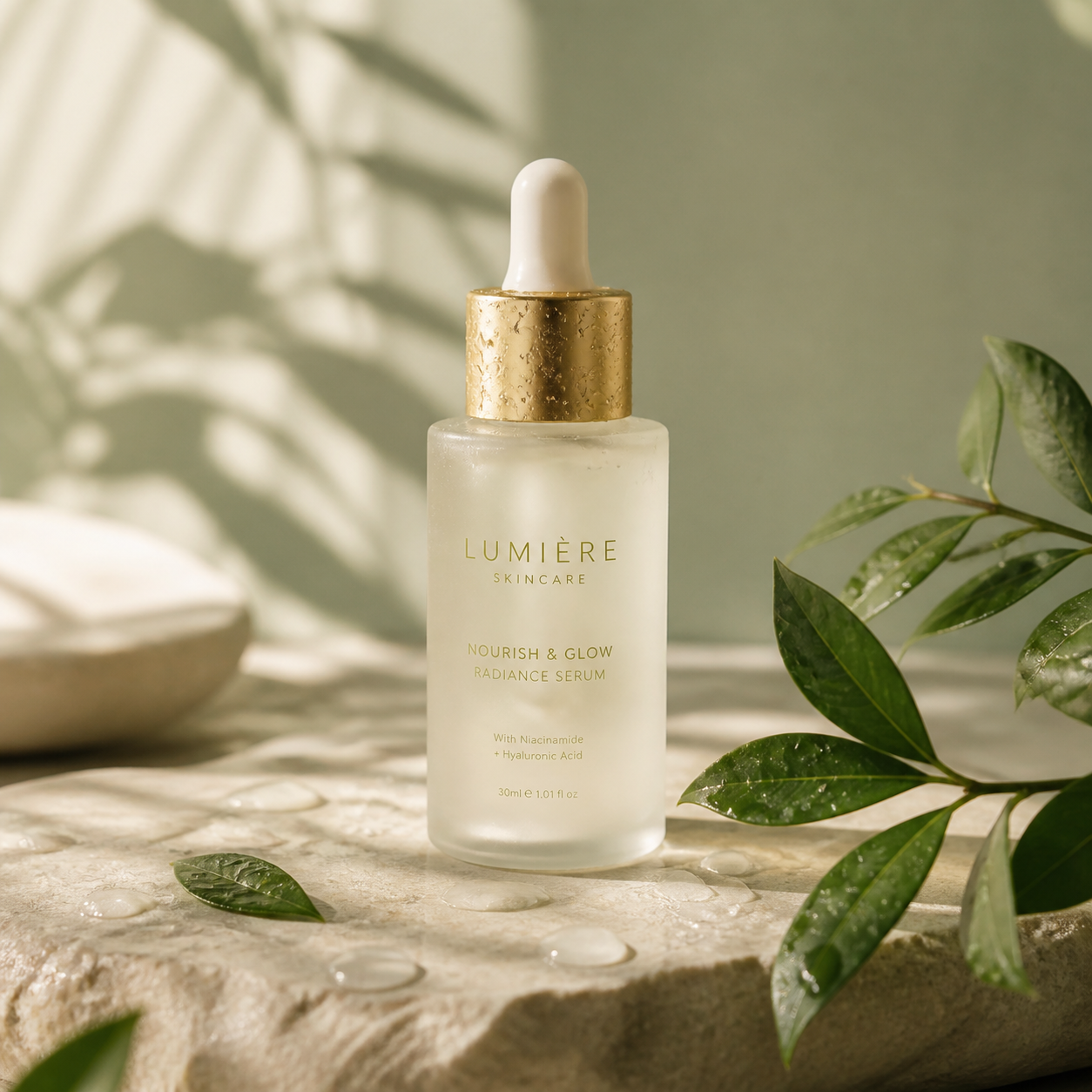
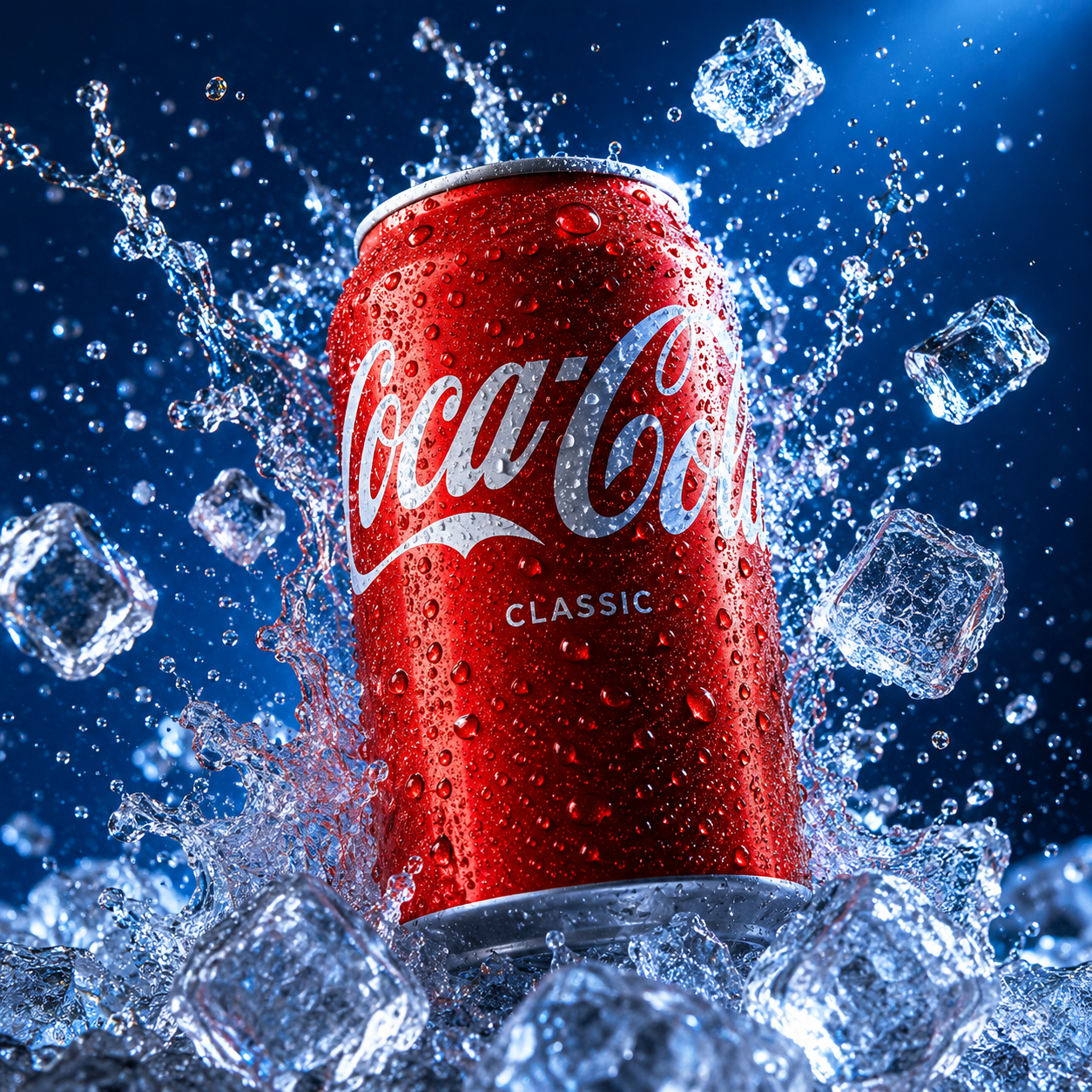
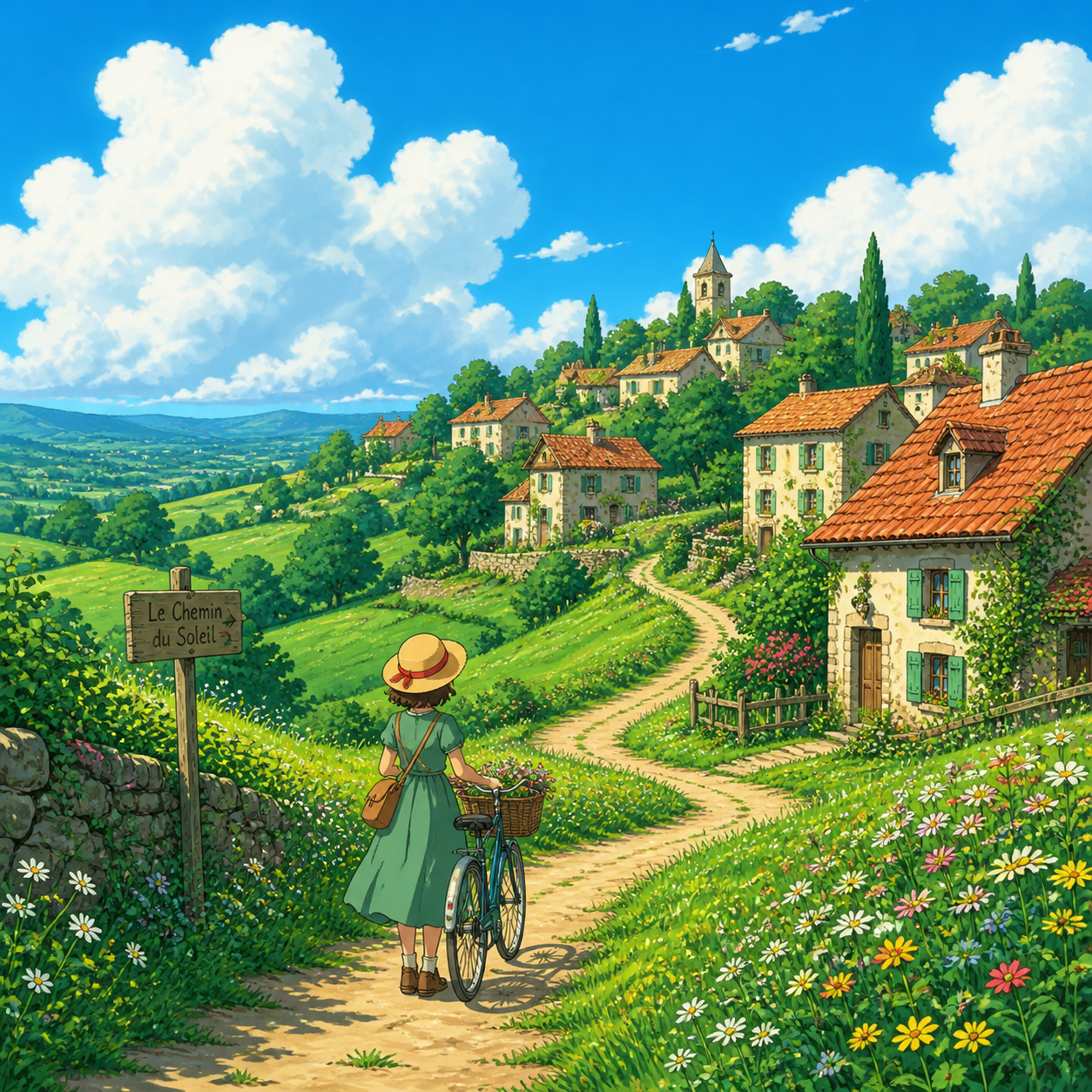
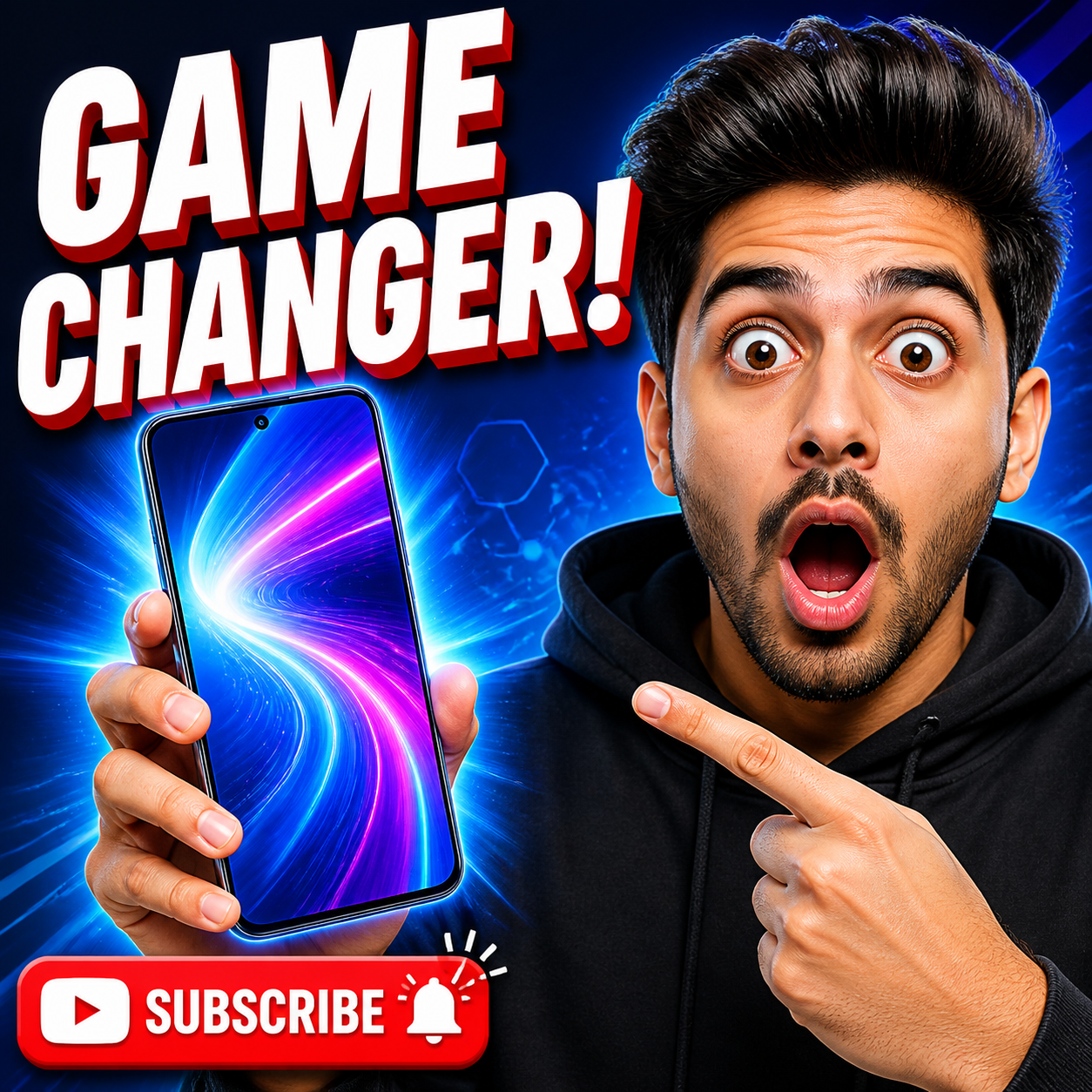
Use image-to-image when you already have a source photo, concept render, or draft and want to improve or restyle it while keeping the core composition.
 Image 2
Select Model
Upload images
0/160/20000
Resolution Settings
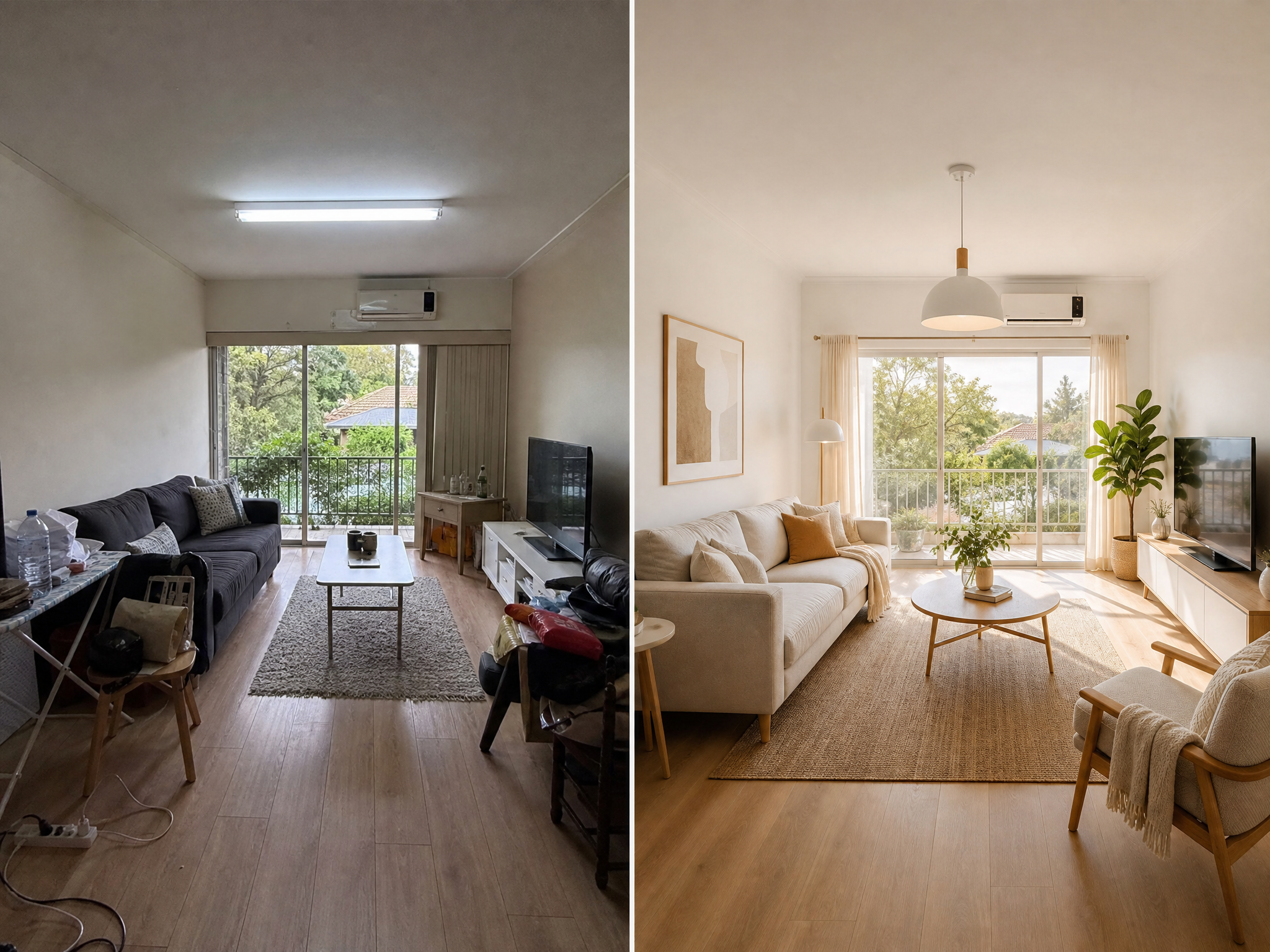
What GPT Image 2 Image to Image Is Good At
Upload a starting image and direct GPT Image 2 to clean up, restyle, extend, localize, or refine it without rebuilding the entire concept from scratch.
- Localized changes instead of full resetsUse image-to-image when the concept is already close and you only need cleaner lighting, sharper packaging, better text, or a new setting.
- More practical review loopsTeams can upload a draft, request a specific fix, and compare variations without rebuilding the asset from a blank prompt each time.
- Useful for production cleanupGreat for ecommerce refreshes, packaging updates, background swaps, localized campaigns, and character or product consistency work.
How It Works
Edit images with GPT Image 2 in 3 steps
The best image-to-image workflow is simple: upload a strong source, explain the exact change, and iterate only where needed.
Upload a source image
Choose the clearest version you have so GPT Image 2 has enough visual information to preserve the parts that should stay.
Describe the exact revision
Be specific about what should change and what should stay the same, such as lighting, background, packaging, subject identity, or text.
Generate, compare, and export
Review the updated image, refine only the remaining issues, then export the version that fits your campaign or product page.
Upload a source image
Choose the clearest version you have so GPT Image 2 has enough visual information to preserve the parts that should stay.
Describe the exact revision
Be specific about what should change and what should stay the same, such as lighting, background, packaging, subject identity, or text.
Generate, compare, and export
Review the updated image, refine only the remaining issues, then export the version that fits your campaign or product page.
FAQ
GPT Image 2 Image to Image FAQ
Answers to the most common questions about using GPT Image 2 for image editing and refinement inside Image2.
Explain what must change, what must stay, and how the final image should feel. Good prompts mention subject, background, lighting, materials, text, and output intent.
It is much more reliable when the source image is clear and the prompt says exactly which details must remain consistent, such as identity, packaging, or layout.
Yes. Many teams use image-to-image to adapt one visual for new languages, channels, seasonal treatments, or regional campaign needs.
Image2 supports 1K, 2K, and 4K-ready export settings, plus several aspect ratios depending on your workflow and credit choice.
Typical use cases include product hero cleanup, packaging refreshes, background swaps, character restyling, and campaign-ready refinements from a rough visual draft.
Refine an existing image with GPT Image 2
Upload a draft, request the exact fix you need, and turn a rough source image into a cleaner launch-ready asset.